
Pocket Break
Play pool online 1v1, ranked seasons, snooker, blackball, career, trick shots.
Google Play pageDownload APK v1.3.1 · 4.2 MB
Early access on Google Play closed testing. You need to be on the tester list first: see how to join.

A closer look.
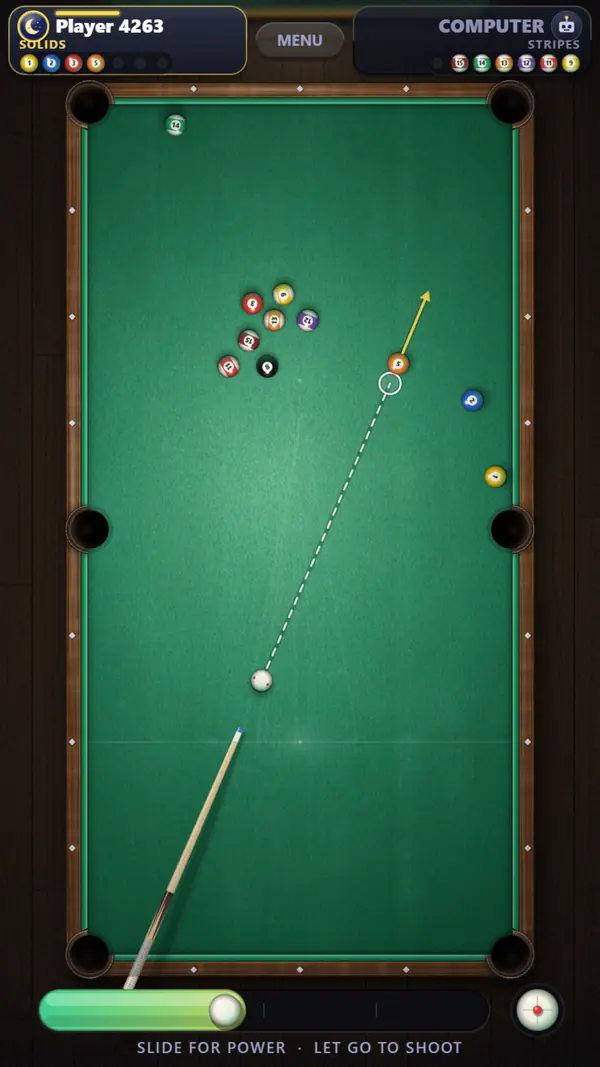
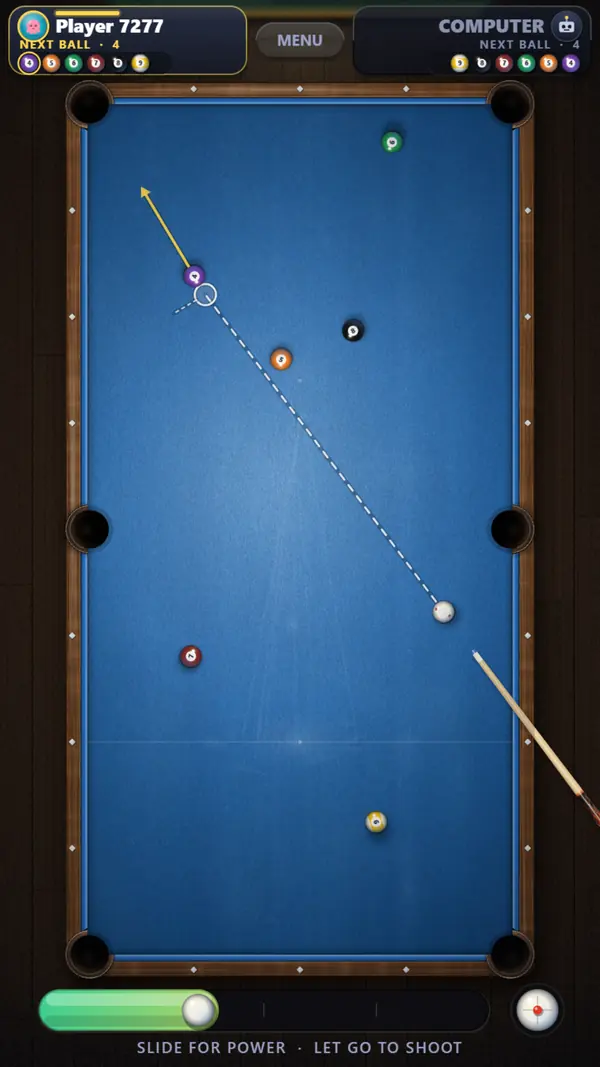
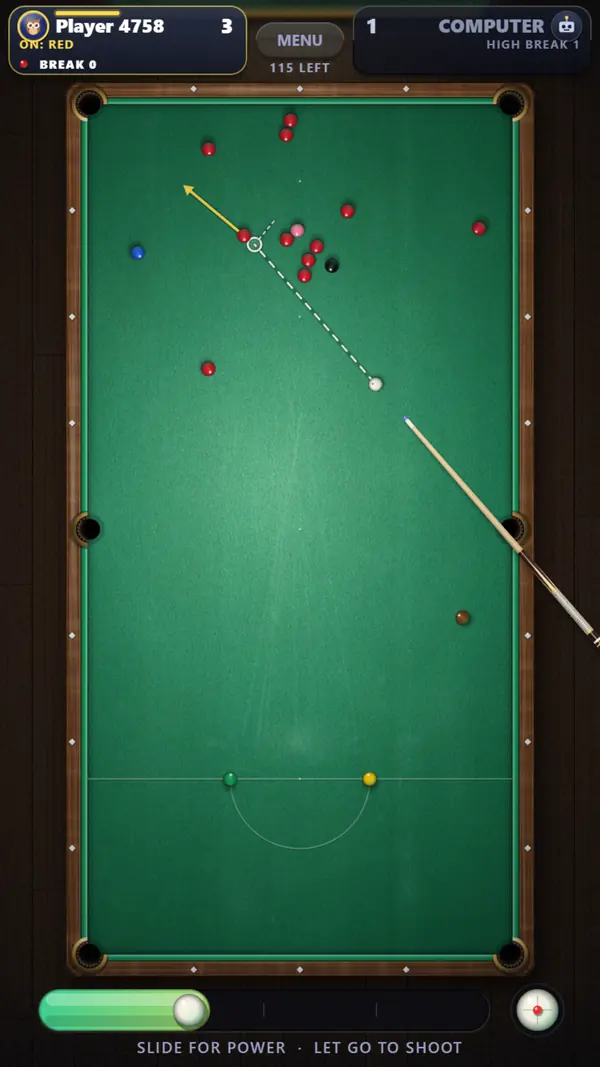
Rack them up and break, against a friend, the computer, or a real player online.
Pocket Break is a clean, good-looking game of pool and snooker. Play 8-ball, 9-ball, blackball or a full frame of snooker, take your cue on a career tour, play a ranked match online, or pass the phone round for a game of Killer.
Features.
Everything Pocket Break does today, straight from its store listing.
Online 1v1 (new)
- Quick Match pairs you with a real player near your rating. If no one is free, you can play the computer instead, and it is always labelled as the computer
- Play a Friend: share a 6-character room code or a link, then rematch as often as you like
- Ranked play with six tiers, from Chalk to Crown, and 4-week seasons with a coin reward and a season title at the end
- Stake tables: the entry and the prize are coins you earned by playing, and coins only ever buy looks
- Quick chat with friendly preset messages and emotes (no free text), and a mute button
- Fair play: online, both players get the starter cue's stats, the same rules and the same shot clock. A result the two phones disagree on is flagged and changes nothing
- Internet is needed for online play only. Everything else plays offline
More ways to play (new)
- Blackball: reds and yellows, black last, and two visits after a foul
- Straight pool to 50 or 100 points, with the rack rebuilt as you go
- Killer for 2 to 6 players on one phone: pot a ball or lose a life
- 3-Ball and Time Attack: solo challenges with personal bests
- No-guide pro mode for when you want to aim by eye
Career and tournaments
- Eight venues with three named opponents at each; entry fees and prizes in coins
- Four 8-player knockout tournaments, with the whole bracket played out
Trick shots and practice
- 50 pool puzzles with up to three stars each, plus a Daily Trick Shot
- Practice: move any ball, undo a shot, and use the aim trainer
Real rules
- 8-ball with an optional called pocket for the 8; 9-ball with push-out; snooker with free ball, the miss rule and re-spotted colours
Progress
- A free Season Track: earn season points in any mode for coins, a cloth, rails, a ball set and titles. Everything on it is earned by playing
- Weekly challenges, three daily missions and 77 achievements
- Titles to wear, stats for every mode, and match history with your last frames saved to watch again
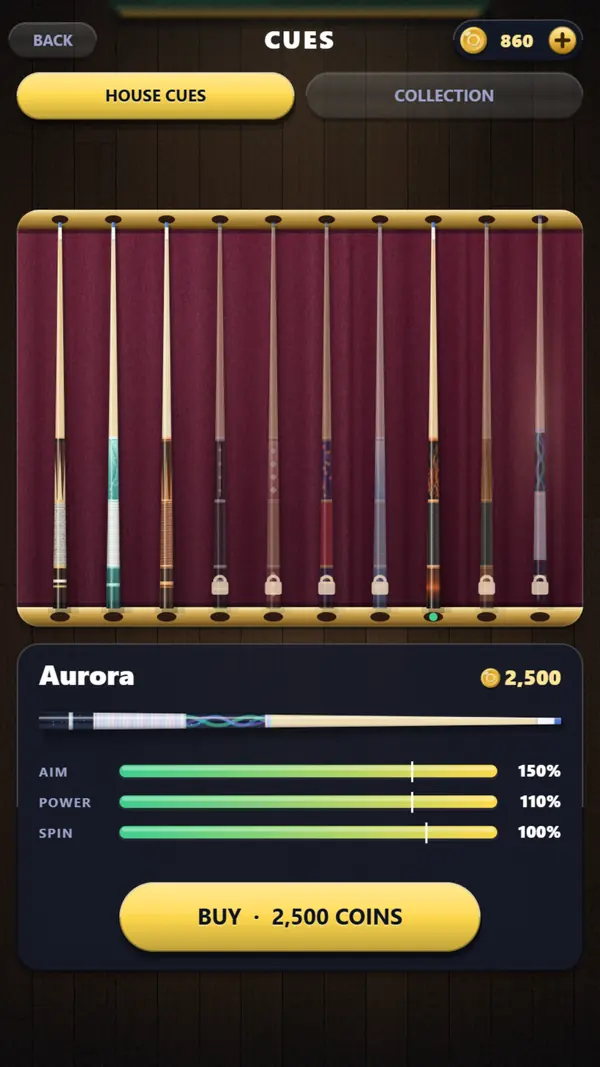
- 14 house cues that unlock only by playing, never by paying
- 10 cloths, 8 rail finishes and 7 ball sets
Comfort
- Colour-blind ball markers, a larger aim guide, left-handed controls, a low-end device mode, and keyboard and mouse controls in a browser
- Sound, music and vibration you can switch off
Your data
- Online, other players see only your nickname (made from safe words), a picture number and your rating
- The optional Bright Loop Account backs up your progress and keeps your rating with you on a new phone
Free to play.
Purchases are optional and processed by Google Play.
Optional in-app purchases
- The whole game is free to play, with no ads. Coins buy looks only, and every look can be earned by playing.
- The store sells coin packs, the Cue Collection (four premium cue designs that play exactly like the starter cue) and the PRO pass (double coins from play, a PRO ribbon, and an extra track of titles on the Season Track).
- Nothing you can buy gives an edge in play, and bought coins cannot be used as online stakes. There are no loot boxes and no spinning wheels.
Grab a friend, or find one online, and see who clears the table first.
Manage or cancel subscriptions in Google Play > Payments & subscriptions. Purchases and Restore purchases
Try it now.
Open Pocket Break right here in your browser, or download the Android app file directly.
Open in browser
The full Pocket Break game, running in a new tab. Nothing to install.
Some phone-only features, such as purchases, notifications, sharing and camera scanning, work only in the Android game. Anything you do in the browser is saved in that browser only.
Download the APK
Install Pocket Break on an Android phone without Google Play.
- Version
- 1.3.1
- Size
- 4.2 MB
- SHA-256
2c6ce50003e3f1223b14354f1487dd8d226a97effb9258962231cb6c89bbd5e6
An APK installed from this website can't be updated from Google Play later. To switch to Google Play, uninstall it and install from Play. Game progress is lost when you uninstall. How to install an APK
Requirements & details.
- Requires
- Android 7.0 or later
- Size
- 4.2 MB
- Version
- 1.3.1
- Price
- Free to play, optional in-app purchases
- Internet
- Not required
- Account
- None
- Ads
- None
- Category
- Board & Table
- Languages
- English, Spanish, Portuguese, Indonesian, Turkish and Hindi
- Developer
- Bright Loop (Google Play: Bright Loop Games)
- Availability
- Early access (Google Play closed testing)
- Web version
- Open in browser
How to get Pocket Break.
Pocket Break is in early access through Google Play closed testing. It takes about two minutes.
- Ask to join the tester listEarly access runs as a Google Play closed test, so your Google account must be on the tester list before the opt-in link works. Send us the Gmail address you use on Google Play and we'll add you.
- Open the opt-in linkOn your Android phone, signed in to the same Google account, open the Pocket Break early access link.
- Tap "Become a tester"Google Play confirms that you've joined the test.
- Install from Google PlayTap the "download it on Google Play" link on that page, or open the Google Play page, then tap Install. Updates arrive through Google Play like any other game.
- Tell us what you thinkEarly access means your feedback shapes the next update. Email rehman@mindum.dev any time.
Link not working? See Troubleshooting or the full early access guide.
Privacy.
Pocket Break has no account, no ads and collects no personal data. Your progress is saved on your phone.
What Pocket Break stores
Your profile, scores, records, achievements and progress are saved only on your phone. The optional profile photo is shrunk and kept on your phone too. Uninstalling the game or clearing its storage erases them.
Purchases
Google Play processes every purchase. We never see your payment details; Google Play only tells the game whether a purchase went through.
Read the full Privacy Policy.
Questions.
Is Pocket Break free to play?
Yes. Pocket Break is free to download and play. It has optional in-app purchases through Google Play; see Purchases.
Why can't I find Pocket Break on Google Play?
Pocket Break is in early access (a Google Play closed test), so it only appears for people on the tester list. Follow the steps under How to get it. Once it becomes public, anyone can install it from Google Play.
Does Pocket Break work offline?
Yes. Pocket Break works without an internet connection.
Do I need an account?
No. Pocket Break has no account and no sign-in. Your progress is saved on your phone.
How do I move to a new phone?
Pocket Break saves progress only on your phone, so it doesn't move to a new one. Purchases do: install the game with the same Google account and tap Restore purchases. See Move to a new phone.
How do I restore a purchase?
Make sure your phone uses the same Google account you bought with, open Pocket Break and tap Restore purchases. Google Play checks your purchases and Pocket Break unlocks what you own. More about purchases.
Can I use Pocket Break in a browser?
Yes. Tap Open in browser to run it in a new tab. Some phone-only features, such as purchases, notifications, sharing and camera scanning, work only in the Android game, and anything you do there is saved in that browser.
Can I install it without Google Play?
Yes, with the APK on this page (version 1.3.1, 4.2 MB). An APK install can't be updated from Google Play later; see Install an APK on Android.
What do I need to run it?
Android 7.0 or later, or any modern browser for the web version.
Is it available on iPhone?
There's no iPhone app at the moment. Pocket Break is made for Android, but you can open the web version in Safari.
Get help with Pocket Break
Email rehman@mindum.dev. Include your phone model, Android version and what happened, and we'll take it from there.
Help Centre
Step-by-step guides for early access, sync, backups, purchases and moving phones. Visit the Help Centre
More games to play.
Ludo Rumble
Ludo board game for 2-4 players: play family, friends or computer. No internet.
Carrom Rally
Carrom online and offline: ranked 1v1 and 2v2, career, cups and trick shots.

Echo Dash
Dodge your own ghosts! A one-finger arcade dodge game: grab gems, avoid echoes.

Orbit Leap
One tap space jump game: swing round planets, leap to the next, beat your best.