Last Lamplighter
Story puzzle game: rotate tiles, connect the flame and relight a dark town.
Google Play pageDownload APK v1.2.1 · 4.2 MB
Early access on Google Play closed testing. You need to be on the tester list first: see how to join.
A closer look.
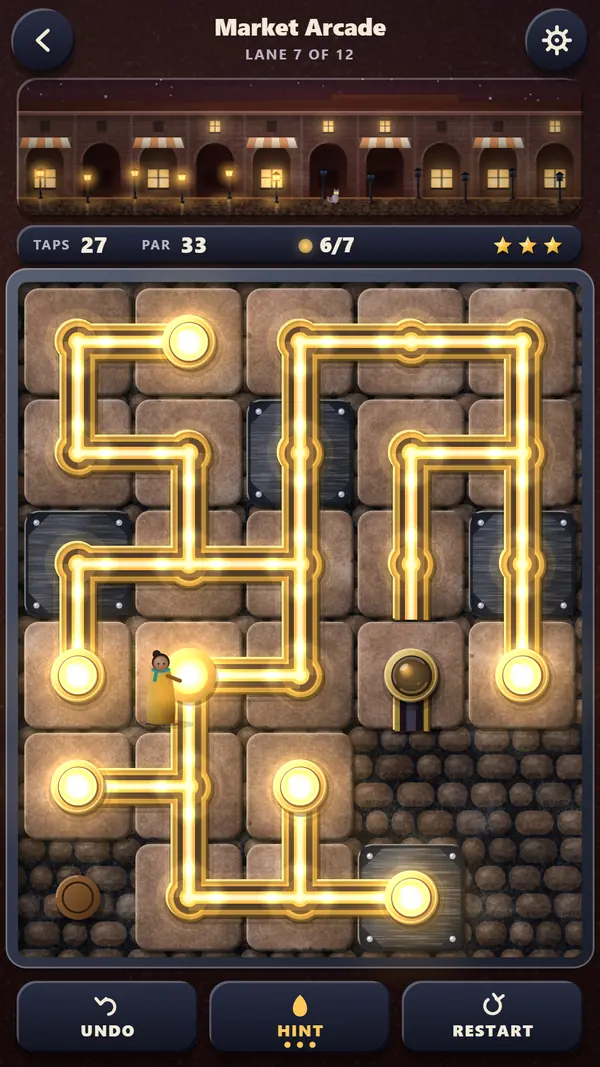
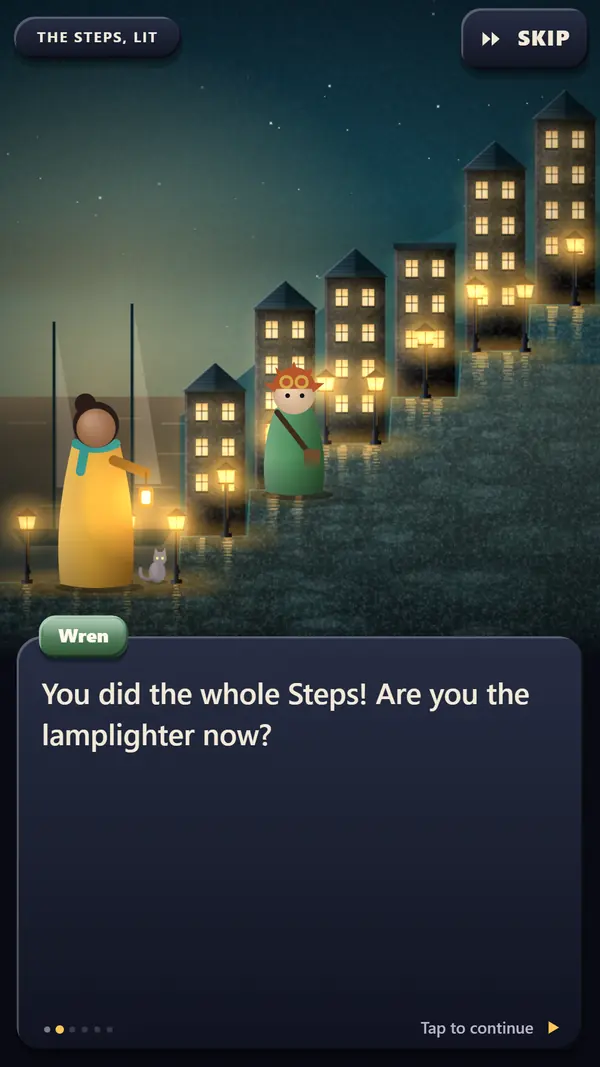
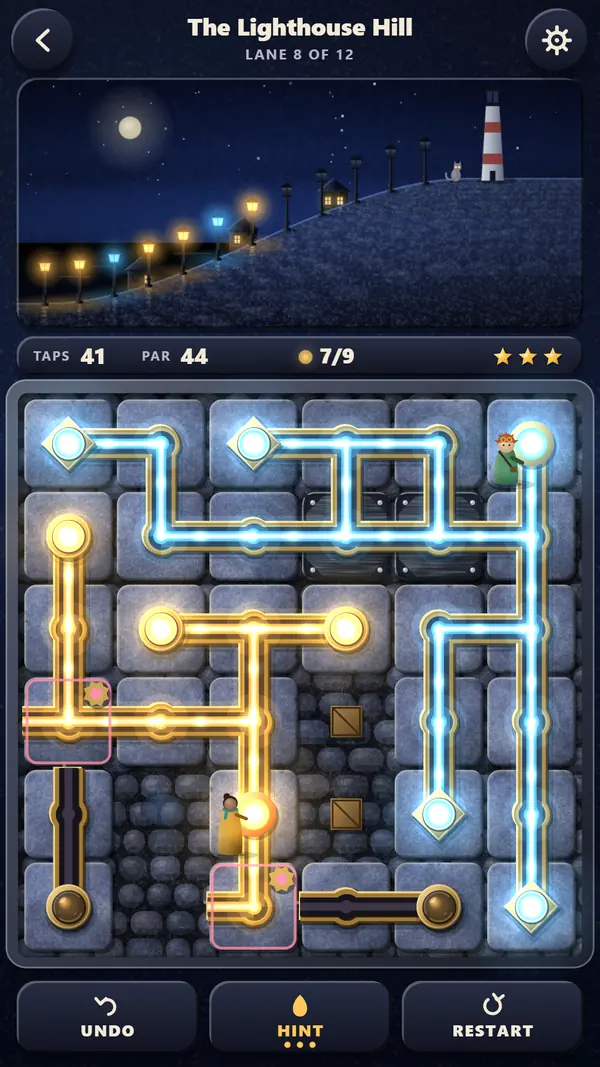
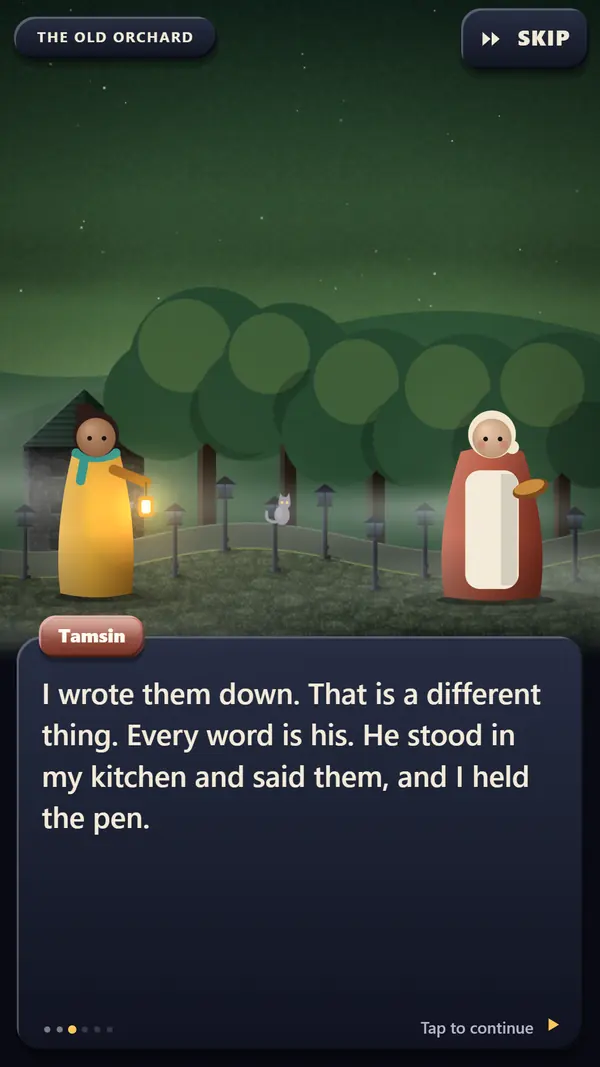
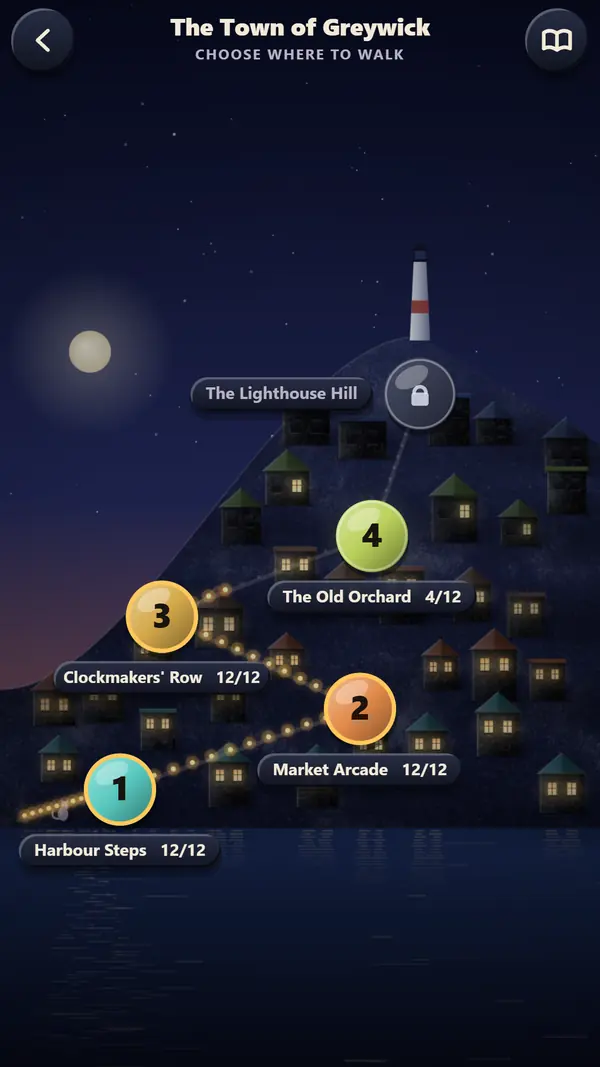
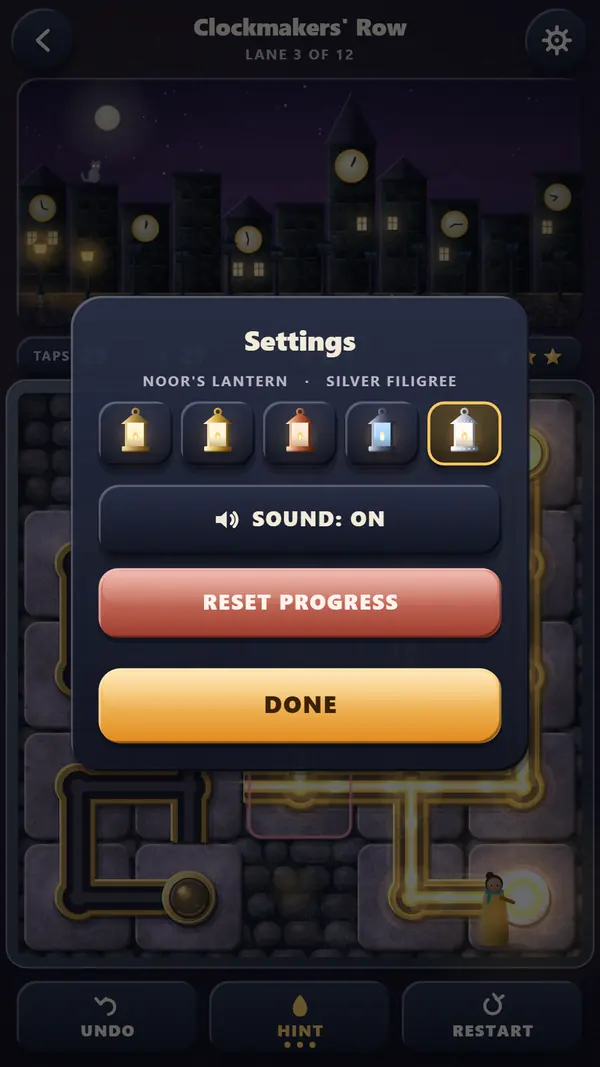
Last Lamplighter is a relaxing pipe puzzle game with a story. Rotate tiles to connect the flame from the lantern to every lamp, and relight a dark hillside town lane by lane. These connect puzzles and logic puzzles have no timer and free hints, and the game plays offline.
Dusk comes to the hillside town of Greywick, and for the first time anyone can remember, no lamp answers it. The old lamplighter is gone. His lantern is still burning.
You are Noor, his young apprentice. Pick up the lantern and bring the light back, one lane at a time.
Features.
Everything Last Lamplighter does today, straight from its store listing.
How it plays
Tap a tile to turn its flame channel. Join the lantern to every lamp and watch the light flow down the street. No timer and no pressure. Undo as often as you like, and take a free hint when you are stuck.
Five parts of town, sixty lanes
The first two parts (24 lanes, with their scenes and notes) are free to play. One optional in-app purchase unlocks the rest of the story and the ending.
- Harbour Steps: learn the craft by the water
- Market Arcade: iron-bound tiles that will not turn
- Clockmakers' Row: geared tiles that turn together
- The Old Orchard: fog that hides the way until light comes near
- The Lighthouse Hill: amber and blue flames that must never meet
A story worth following
Every few lanes you find a note the lamplighter left inside a lamp. Meet Tamsin the baker, who knows more than she says; Wren, who asks every question; a gruff Harbourmaster; and a town cat who is always nearby. Why did the lamps go out? The answer waits at the top of the hill.
As you play, lamps and windows light up across the town, and a journal keeps every scene and note.
Features
- 60 hand-ordered puzzles across 5 chapters
- An illustrated story with a real ending
- Earn up to three stars on every lane
- Player profile, records and achievements
- Plays offline, no account needed
- No ads. Chapters 1 and 2 are free; optional in-app purchases unlock chapters 3 to 5 and cosmetic lantern styles. Hints are always free.
Try it now.
Open Last Lamplighter right here in your browser, or download the Android app file directly.
Open in browser
The full Last Lamplighter game, running in a new tab. Nothing to install.
Some phone-only features, such as purchases, notifications, sharing and camera scanning, work only in the Android game. Anything you do in the browser is saved in that browser only.
Download the APK
Install Last Lamplighter on an Android phone without Google Play.
- Version
- 1.2.1
- Size
- 4.2 MB
- SHA-256
8cb96df79acb039521e276350d88d8c5d48a37c54677e1db9d737fdfef946431
An APK installed from this website can't be updated from Google Play later. To switch to Google Play, uninstall it and install from Play. Game progress is lost when you uninstall. How to install an APK
Requirements & details.
- Requires
- Android 7.0 or later
- Size
- 4.2 MB
- Version
- 1.2.1
- Price
- Free to play, optional in-app purchases
- Internet
- Not required
- Account
- None
- Ads
- None
- Category
- Puzzle
- Languages
- English, Spanish, Portuguese, Indonesian, Turkish and Hindi
- Developer
- Bright Loop (Google Play: Bright Loop Games)
- Availability
- Early access (Google Play closed testing)
- Web version
- Open in browser
How to get Last Lamplighter.
Last Lamplighter is in early access through Google Play closed testing. It takes about two minutes.
- Ask to join the tester listEarly access runs as a Google Play closed test, so your Google account must be on the tester list before the opt-in link works. Send us the Gmail address you use on Google Play and we'll add you.
- Open the opt-in linkOn your Android phone, signed in to the same Google account, open the Last Lamplighter early access link.
- Tap "Become a tester"Google Play confirms that you've joined the test.
- Install from Google PlayTap the "download it on Google Play" link on that page, or open the Google Play page, then tap Install. Updates arrive through Google Play like any other game.
- Tell us what you thinkEarly access means your feedback shapes the next update. Email rehman@mindum.dev any time.
Link not working? See Troubleshooting or the full early access guide.
Privacy.
Last Lamplighter has no account, no ads and collects no personal data. Your progress is saved on your phone.
What Last Lamplighter stores
Your profile, scores, records, achievements and progress are saved only on your phone. The optional profile photo is shrunk and kept on your phone too. Uninstalling the game or clearing its storage erases them.
Purchases
Google Play processes every purchase. We never see your payment details; Google Play only tells the game whether a purchase went through.
Read the full Privacy Policy.
Questions.
Is Last Lamplighter free to play?
Yes. Last Lamplighter is free to download and play. It has optional in-app purchases through Google Play; details are in the description above.
Why can't I find Last Lamplighter on Google Play?
Last Lamplighter is in early access (a Google Play closed test), so it only appears for people on the tester list. Follow the steps under How to get it. Once it becomes public, anyone can install it from Google Play.
Does Last Lamplighter work offline?
Yes. Last Lamplighter works without an internet connection.
Do I need an account?
No. Last Lamplighter has no account and no sign-in. Your progress is saved on your phone.
How do I move to a new phone?
Last Lamplighter saves progress only on your phone, so it doesn't move to a new one. Purchases do: install the game with the same Google account and tap Restore purchases. See Move to a new phone.
How do I restore a purchase?
Make sure your phone uses the same Google account you bought with, open Last Lamplighter and tap Restore purchases. Google Play checks your purchases and Last Lamplighter unlocks what you own. More about purchases.
Can I use Last Lamplighter in a browser?
Yes. Tap Open in browser to run it in a new tab. Some phone-only features, such as purchases, notifications, sharing and camera scanning, work only in the Android game, and anything you do there is saved in that browser.
Can I install it without Google Play?
Yes, with the APK on this page (version 1.2.1, 4.2 MB). An APK install can't be updated from Google Play later; see Install an APK on Android.
What do I need to run it?
Android 7.0 or later, or any modern browser for the web version.
Is it available on iPhone?
There's no iPhone app at the moment. Last Lamplighter is made for Android, but you can open the web version in Safari.
Get help with Last Lamplighter
Email rehman@mindum.dev. Include your phone model, Android version and what happened, and we'll take it from there.
Help Centre
Step-by-step guides for early access, sync, backups, purchases and moving phones. Visit the Help Centre
More games to play.
Sumtrail
Math brain game: link numbers that add up to the target. A number puzzle a day.
Gem Caravan
Match 3 jewel puzzle: swap gems, make combos and blasts on a desert journey.
Bazaar Dash
Endless runner game: swipe, jump and slide through a night market. Grab coins!
Saffron Pass
Choose your path in an interactive story game: 7 days, 4 companions, 9 endings.