
Sumtrail
Math brain game: link numbers that add up to the target. A number puzzle a day.
Google Play pageDownload APK v1.2.1 · 3.9 MB
Early access on Google Play closed testing. You need to be on the tester list first: see how to join.
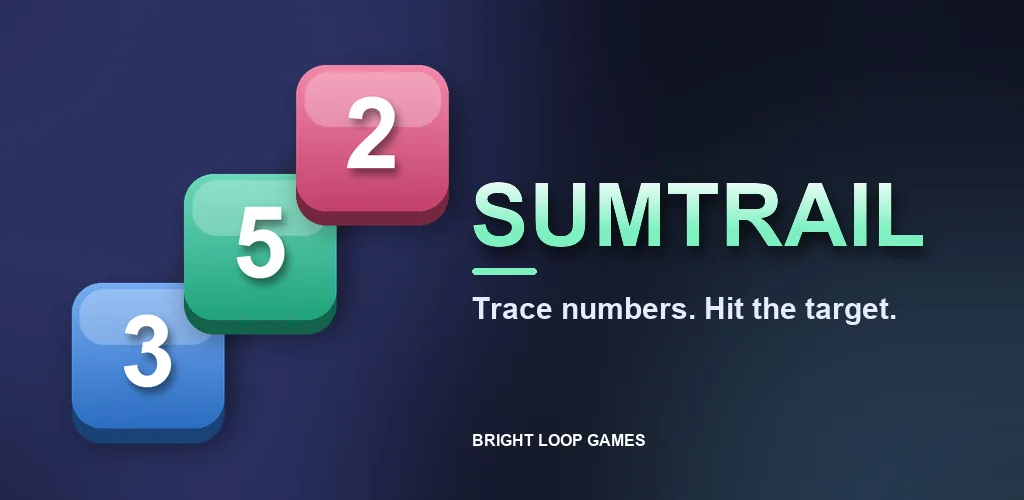
A closer look.
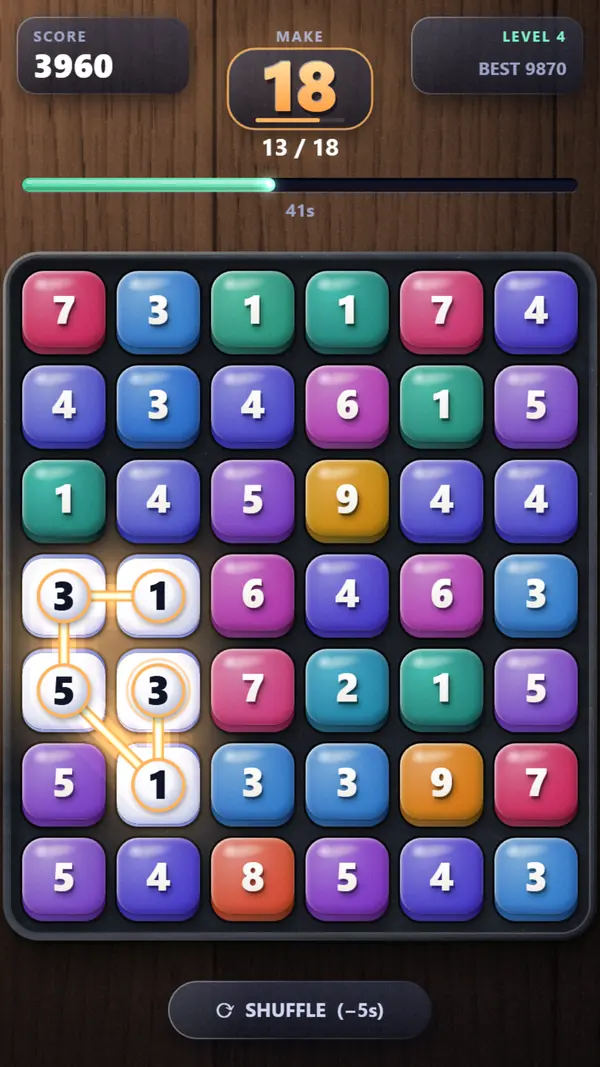
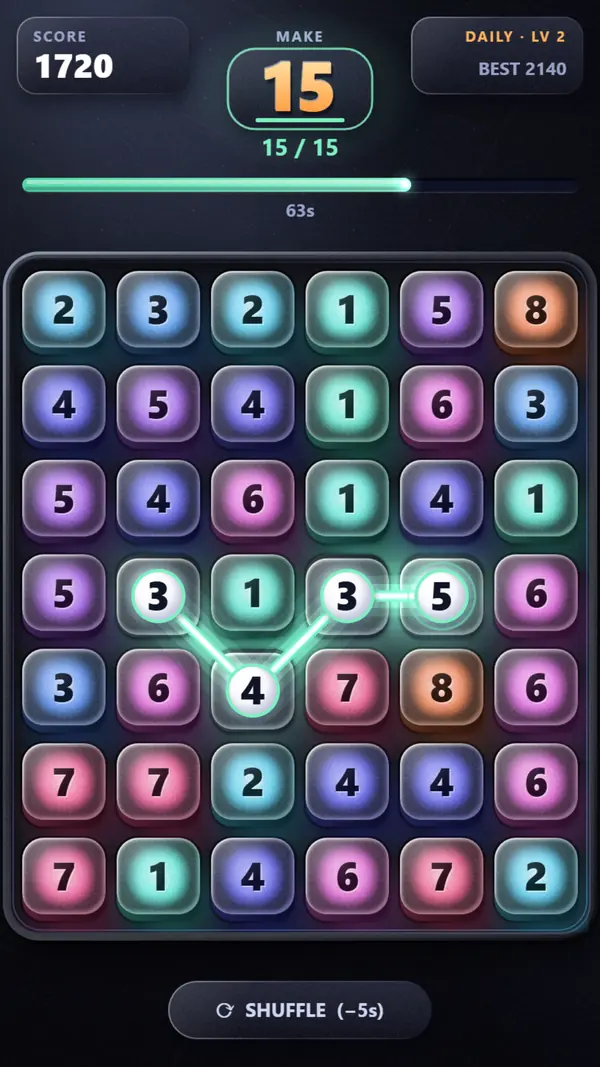
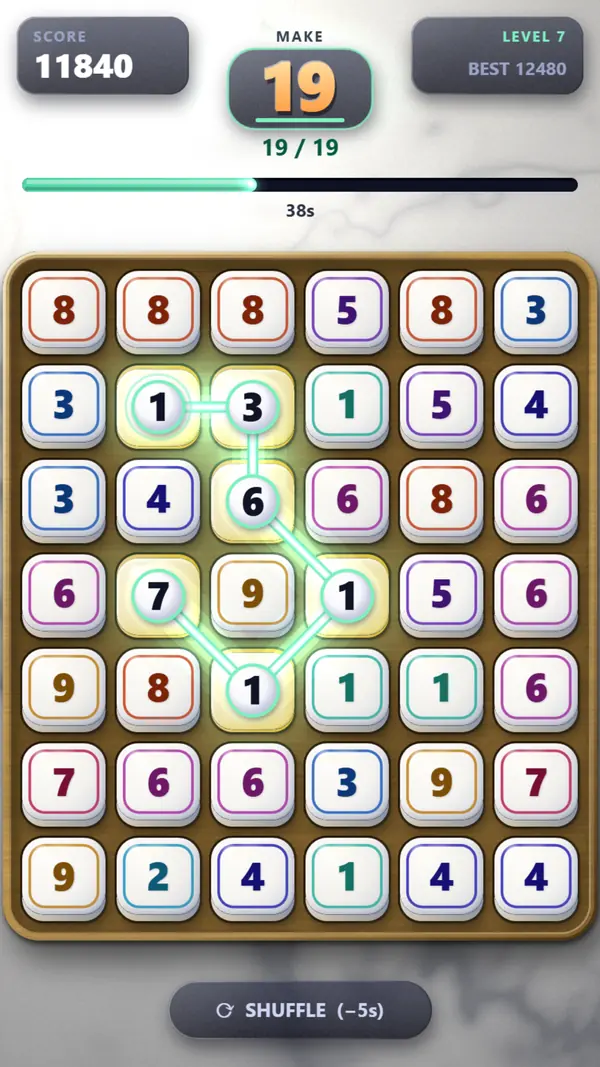
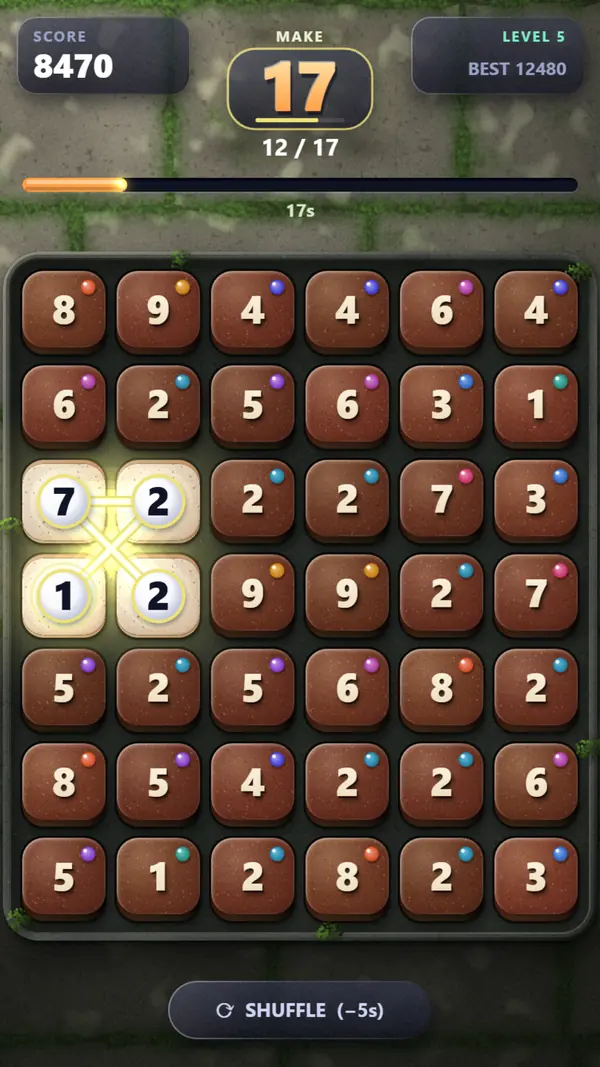
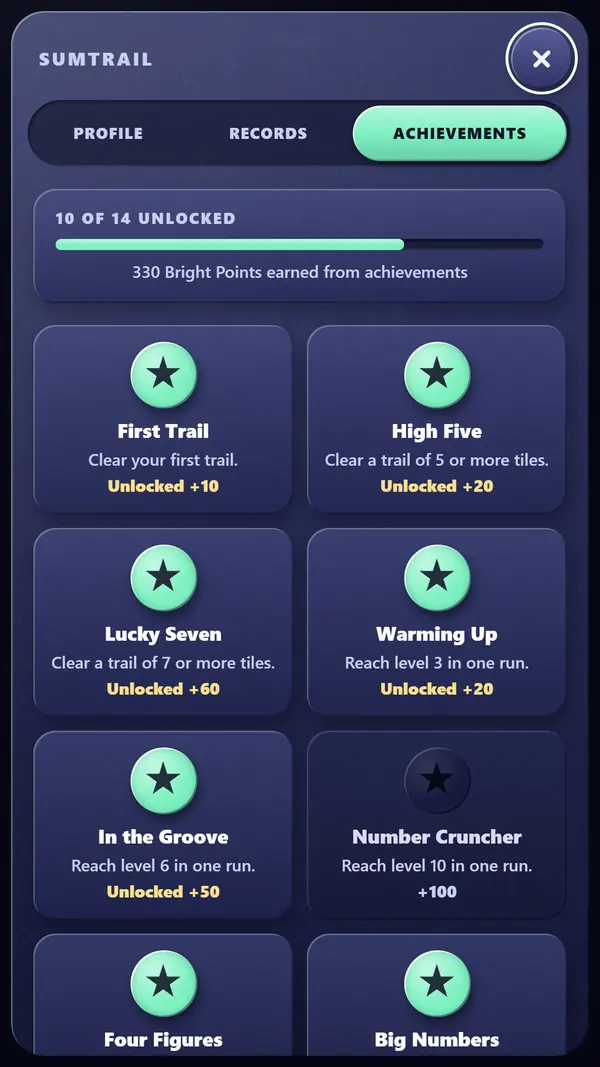
Sumtrail is a math puzzle and number game that trains your brain in a minute a day. Link touching numbers so they add up to the target, and use longer chains to score more. It's a relaxing but quick brain game for adults and teens, with a Daily Trail challenge, and it works offline.
A number puzzle you can play in a minute.
Look at the target at the top of the screen. Drag your finger through touching numbers so they add up to exactly that target. Longer trails score far more points and win you back more time. The target changes after every trail, so you never stop thinking.
Features.
Everything Sumtrail does today, straight from its store listing.
How to play
- Drag through numbers that touch each other (diagonals count)
- Make them add up to exactly the target
- Let go to clear the trail
- Drag backwards to undo a step
- Stuck? Shuffle the board for a small time cost
Daily Trail
- One 90-second puzzle a day, the same for every player.
- Beat your best, keep your streak alive and share your score.
Themes
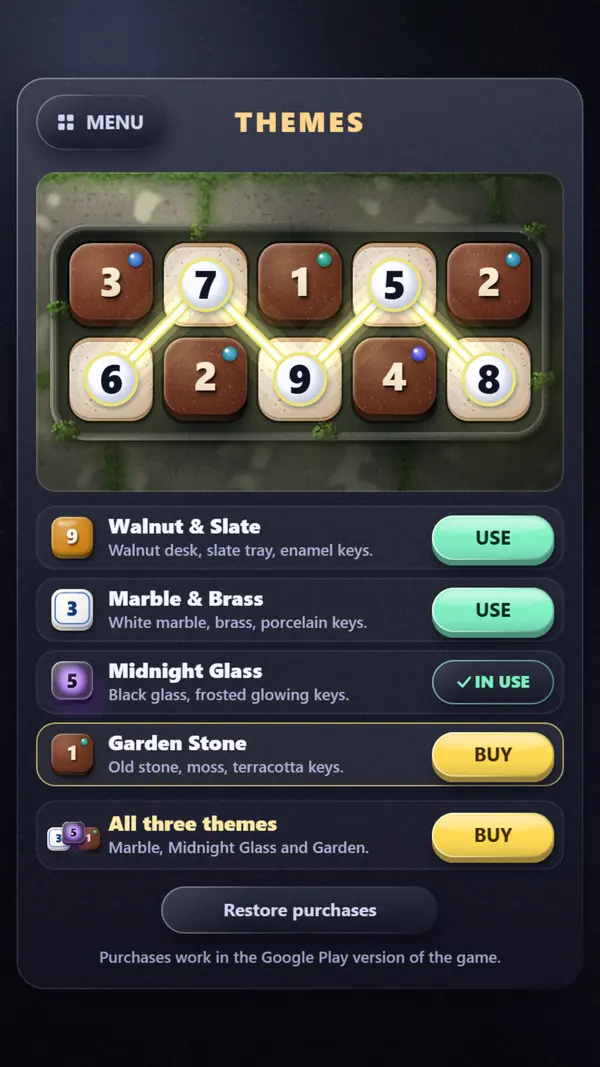
- Four looks for your desk: Walnut & Slate (free), Marble & Brass, Midnight Glass and Garden Stone.
- Every theme changes the desk, the tray, the keys and the trail, and keeps the numbers easy to read.
- Themes are optional one-time in-app purchases. They are only looks: they never change timing, scoring or the Daily Trail.
Features
- Easy to learn: just add
- Longer trails give bigger scores and more time
- Targets get harder as your level rises
- Good practice for quick mental maths
- Plays offline, no account needed
- Small download
- Optional in-app purchases (cosmetic themes only)
Train your brain a little every day.
Try it now.
Open Sumtrail right here in your browser, or download the Android app file directly.
Open in browser
The full Sumtrail game, running in a new tab. Nothing to install.
Some phone-only features, such as purchases, notifications, sharing and camera scanning, work only in the Android game. Anything you do in the browser is saved in that browser only.
Download the APK
Install Sumtrail on an Android phone without Google Play.
- Version
- 1.2.1
- Size
- 3.9 MB
- SHA-256
a4adbe06ab94bd5dd1d8f892330957d2633ac0dba595c3e62e070f1a351d5ba7
An APK installed from this website can't be updated from Google Play later. To switch to Google Play, uninstall it and install from Play. Game progress is lost when you uninstall. How to install an APK
Requirements & details.
- Requires
- Android 7.0 or later
- Size
- 3.9 MB
- Version
- 1.2.1
- Price
- Free to play, optional in-app purchases
- Internet
- Not required
- Account
- None
- Ads
- None
- Category
- Puzzle
- Languages
- English, Spanish, Portuguese, Indonesian, Turkish and Hindi
- Developer
- Bright Loop (Google Play: Bright Loop Games)
- Availability
- Early access (Google Play closed testing)
- Web version
- Open in browser
How to get Sumtrail.
Sumtrail is in early access through Google Play closed testing. It takes about two minutes.
- Ask to join the tester listEarly access runs as a Google Play closed test, so your Google account must be on the tester list before the opt-in link works. Send us the Gmail address you use on Google Play and we'll add you.
- Open the opt-in linkOn your Android phone, signed in to the same Google account, open the Sumtrail early access link.
- Tap "Become a tester"Google Play confirms that you've joined the test.
- Install from Google PlayTap the "download it on Google Play" link on that page, or open the Google Play page, then tap Install. Updates arrive through Google Play like any other game.
- Tell us what you thinkEarly access means your feedback shapes the next update. Email rehman@mindum.dev any time.
Link not working? See Troubleshooting or the full early access guide.
Privacy.
Sumtrail has no account, no ads and collects no personal data. Your progress is saved on your phone.
What Sumtrail stores
Your profile, scores, records, achievements and progress are saved only on your phone. The optional profile photo is shrunk and kept on your phone too. Uninstalling the game or clearing its storage erases them.
Purchases
Google Play processes every purchase. We never see your payment details; Google Play only tells the game whether a purchase went through.
Read the full Privacy Policy.
Questions.
Is Sumtrail free to play?
Yes. Sumtrail is free to download and play. It has optional in-app purchases through Google Play; details are in the description above.
Why can't I find Sumtrail on Google Play?
Sumtrail is in early access (a Google Play closed test), so it only appears for people on the tester list. Follow the steps under How to get it. Once it becomes public, anyone can install it from Google Play.
Does Sumtrail work offline?
Yes. Sumtrail works without an internet connection.
Do I need an account?
No. Sumtrail has no account and no sign-in. Your progress is saved on your phone.
How do I move to a new phone?
Sumtrail saves progress only on your phone, so it doesn't move to a new one. Purchases do: install the game with the same Google account and tap Restore purchases. See Move to a new phone.
How do I restore a purchase?
Make sure your phone uses the same Google account you bought with, open Sumtrail and tap Restore purchases. Google Play checks your purchases and Sumtrail unlocks what you own. More about purchases.
Can I use Sumtrail in a browser?
Yes. Tap Open in browser to run it in a new tab. Some phone-only features, such as purchases, notifications, sharing and camera scanning, work only in the Android game, and anything you do there is saved in that browser.
Can I install it without Google Play?
Yes, with the APK on this page (version 1.2.1, 3.9 MB). An APK install can't be updated from Google Play later; see Install an APK on Android.
What do I need to run it?
Android 7.0 or later, or any modern browser for the web version.
Is it available on iPhone?
There's no iPhone app at the moment. Sumtrail is made for Android, but you can open the web version in Safari.
Get help with Sumtrail
Email rehman@mindum.dev. Include your phone model, Android version and what happened, and we'll take it from there.
Help Centre
Step-by-step guides for early access, sync, backups, purchases and moving phones. Visit the Help Centre
More games to play.
Gem Caravan
Match 3 jewel puzzle: swap gems, make combos and blasts on a desert journey.

Last Lamplighter
Story puzzle game: rotate tiles, connect the flame and relight a dark town.

Carrom Rally
Carrom online and offline: ranked 1v1 and 2v2, career, cups and trick shots.

Echo Dash
Dodge your own ghosts! A one-finger arcade dodge game: grab gems, avoid echoes.